

AI Website Cloner:
Clone a Website from a URL.
Paste a URL to clone a website, preview the editable result, customize it with AI, and deploy.
No setup
Paste a URL, get a project
Instant preview
Preview the result
One-click deploy
Live hosting
Clone a website from a URL
Paste a public URL. Kloner creates a supported website preview you can customize with AI and deploy when it is ready.
https://kloner.app
“I pasted a URL, cloned the layout, and had my own version live the same day. Zero setup. Instant preview. One click deployment.”
0
Start from a URL
Use a supported public website as your starting point
0
Edit the result
Refine the generated website preview with AI
0
Deploy when ready
Publish your finished website through the available integrations
How to clone a website
1
Paste a URL
Drop in a public website URL and Kloner builds a supported starting point.
Drop a link
URL:https://example.com
2
Preview the website clone
Review the generated layout, sections, and structure before changing a detail.
Preview pages
Home
Services
About
3
Make it your own
Swap copy, colors, images, and sections until the site feels right.
AI Agent
Live editingU
You
Make the hero headline shorter, add a pricing section, and connect the CTA to signup.
K
Kloner Agent
Done. I tightened the headline, generated a pricing section, and wired the primary CTA to your signup flow.
Updated copyAdded sectionCTA linked
U
You
Also add auth and a database, and make it look more premium.
K
Kloner Agent
Added login, a simple DB model, and updated the UI spacing/typography for a cleaner look.
Auth addedDB connectedUI refined
Ask the agent…
4
Deploy your website
Publish the finished version when your editable website is ready to go live.
Deploying live…
Building, optimizing, shipping
Deployed
Your project is live
1234
Join5,000+Kloner members shipping sites in minutes
Built With
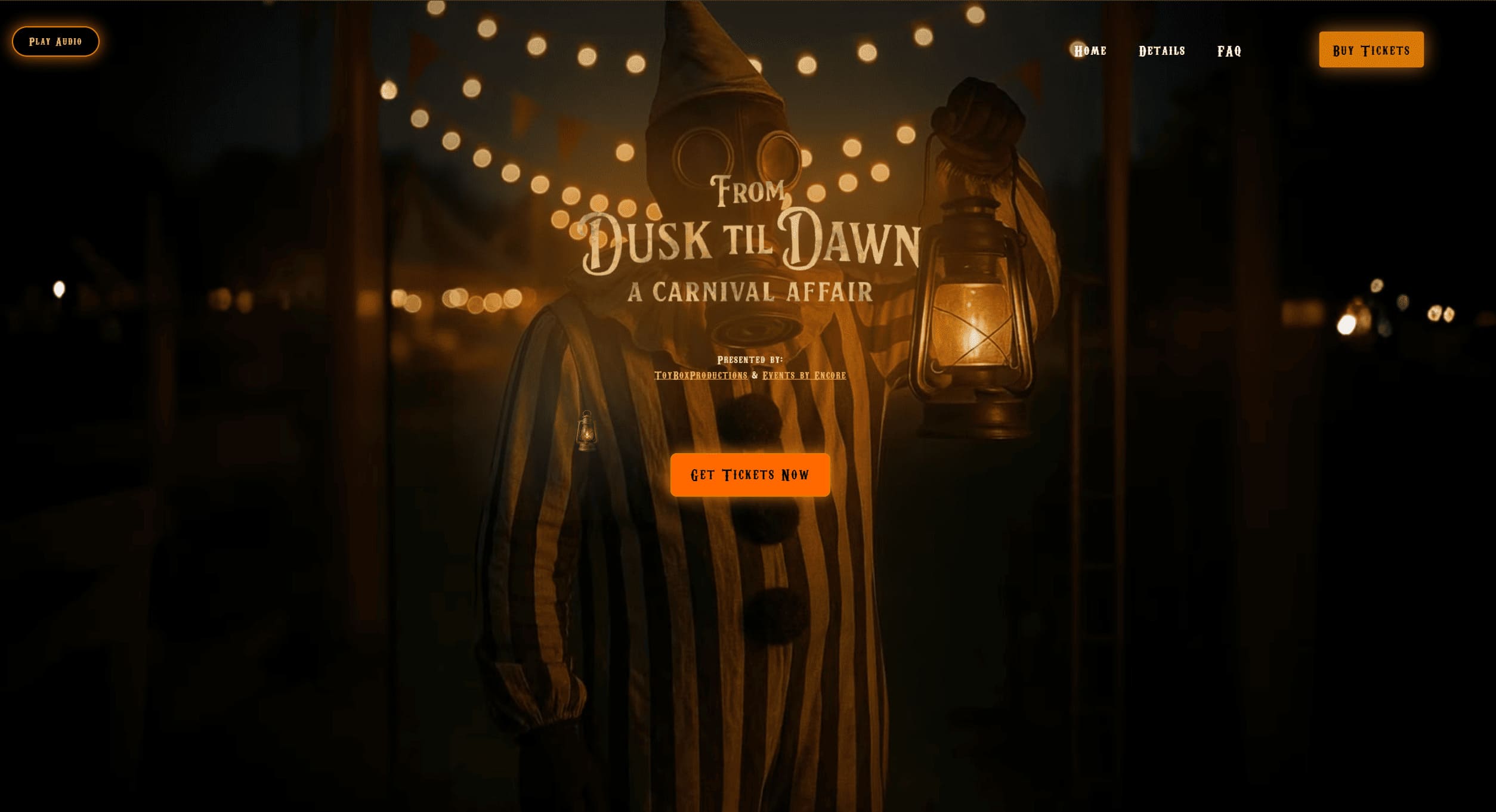
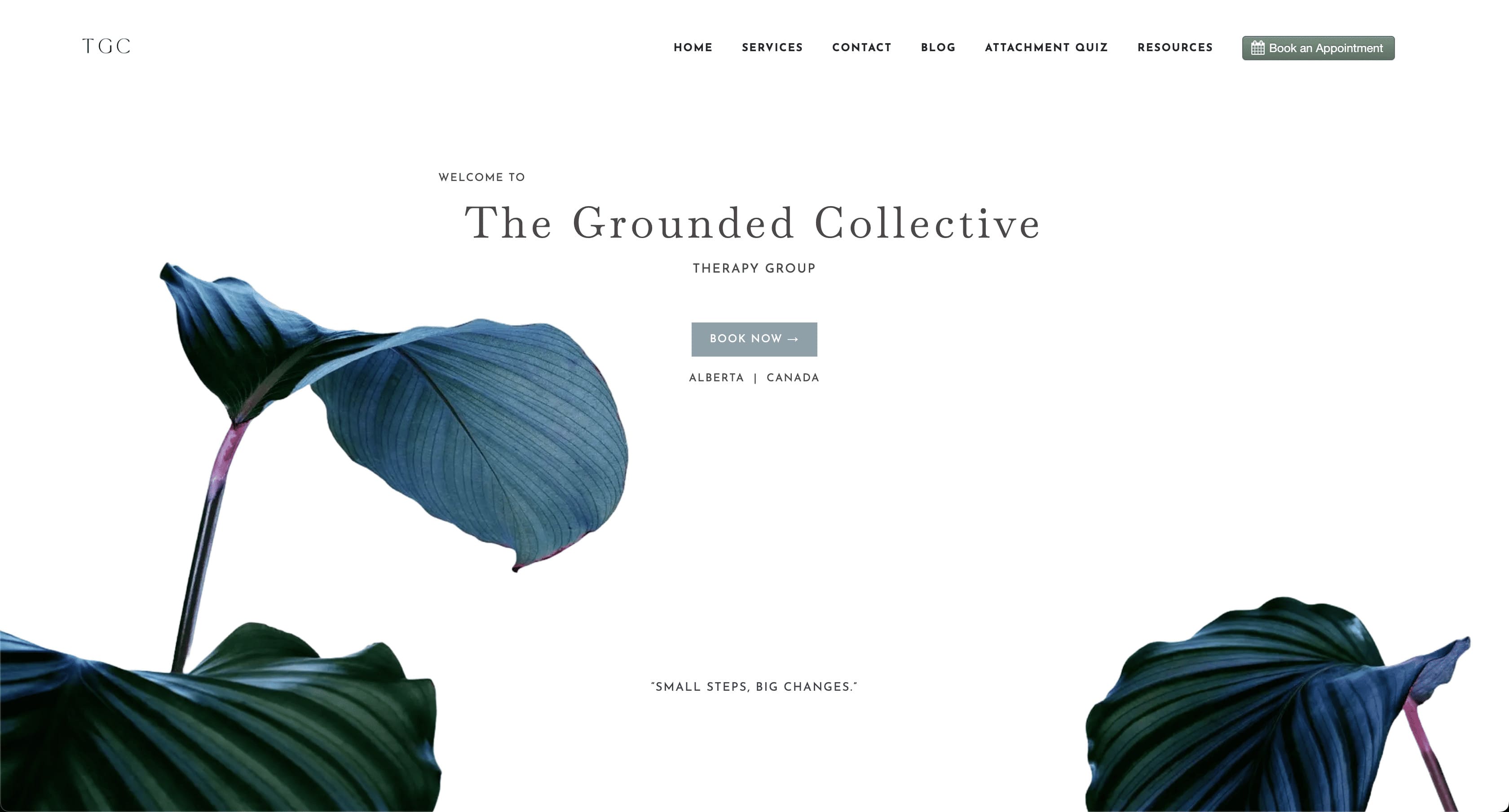
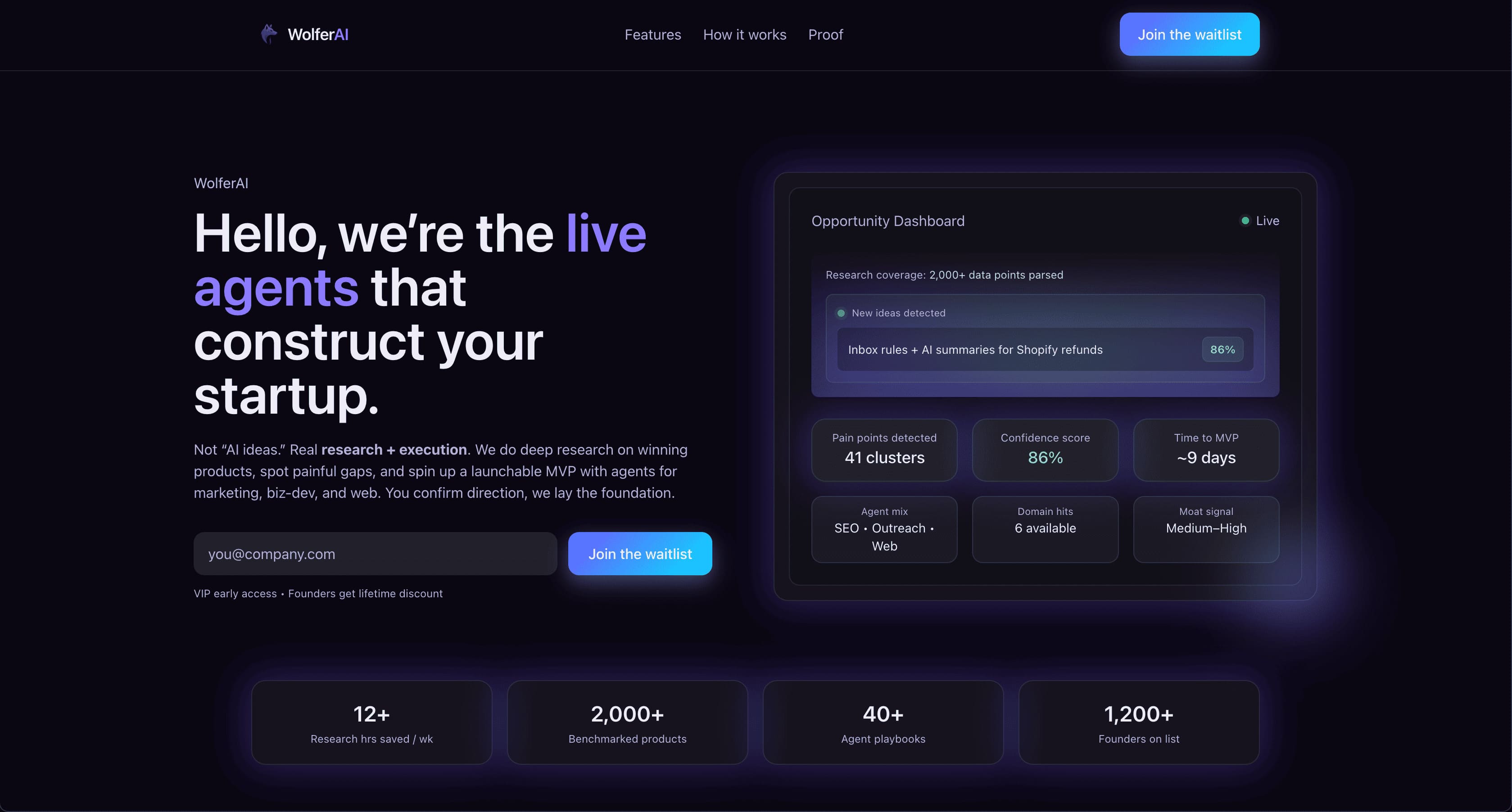
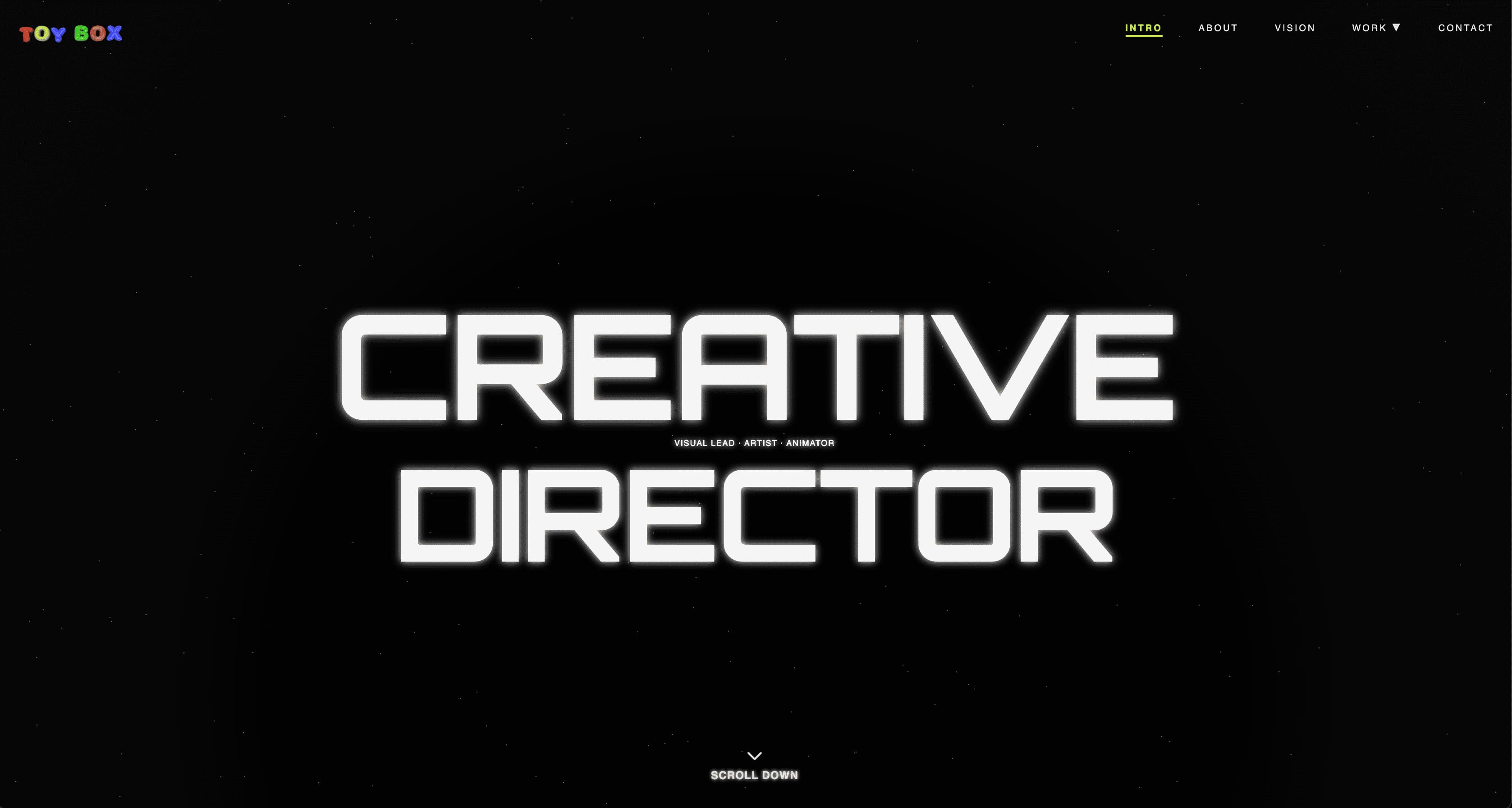
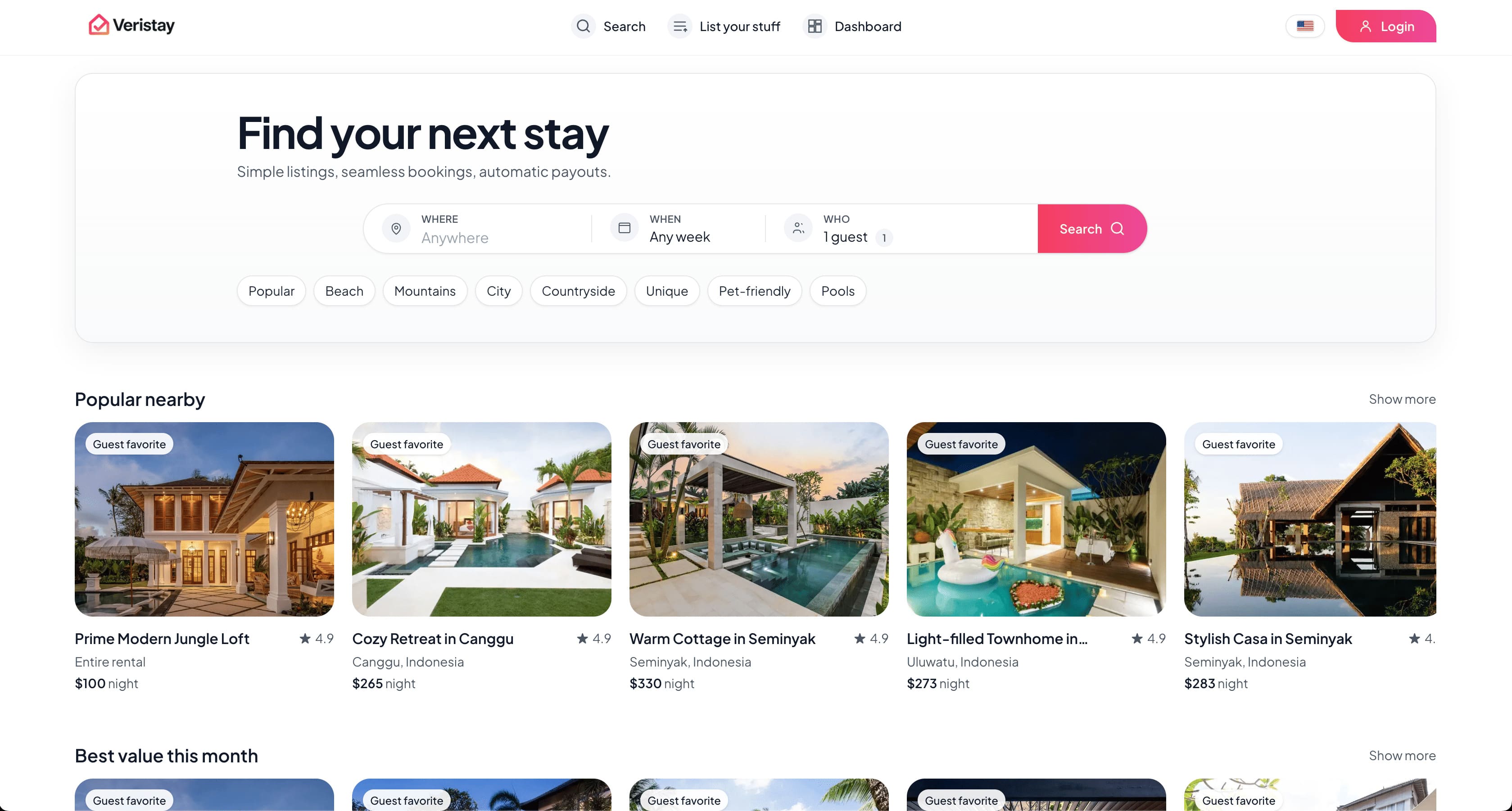
What your website clone includes
Start from a public URL, review the supported website structure and available assets, edit the result with AI, and deploy when it is ready.
Start free preview
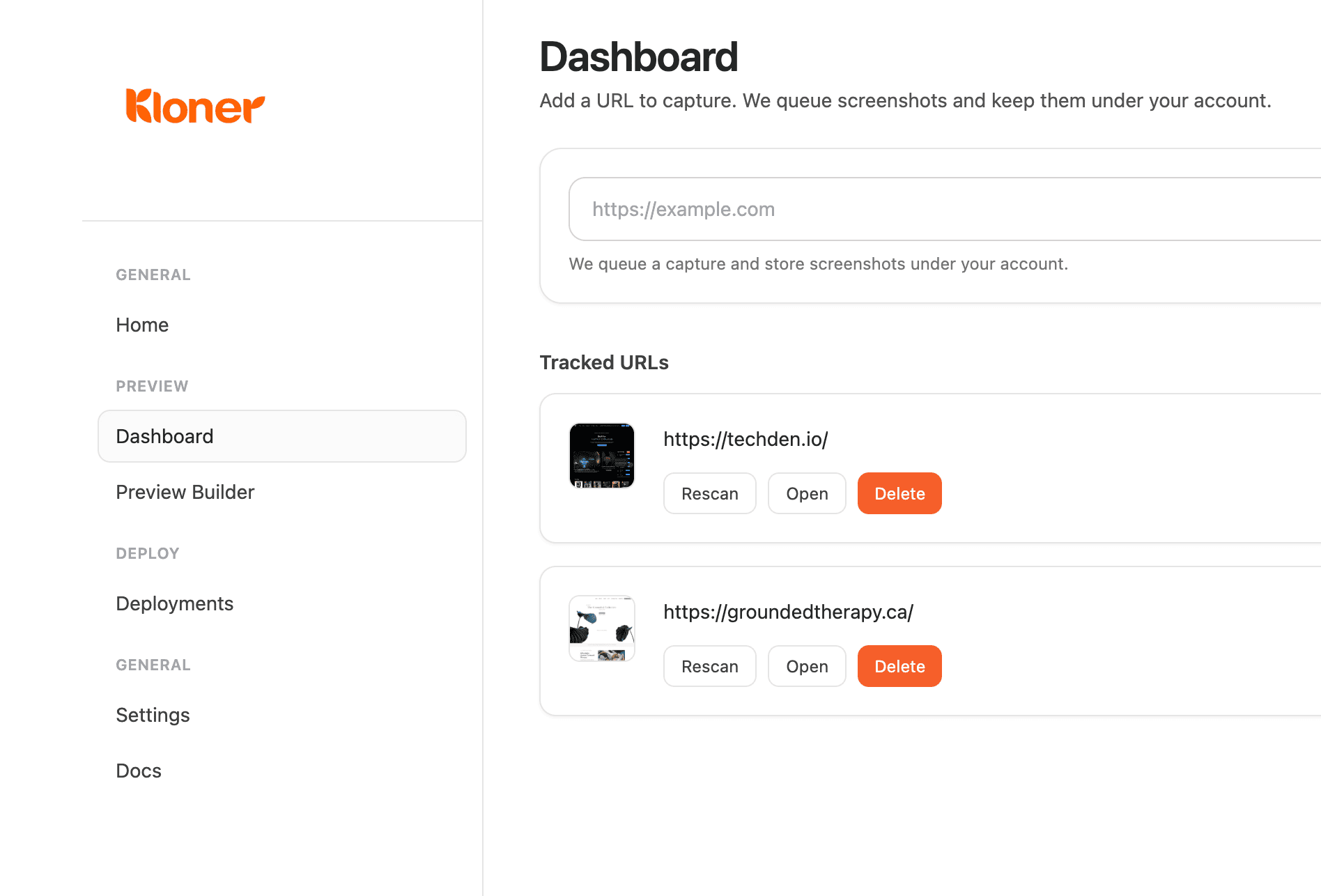
Simple dashboard
Keep every site copy project organized in one place.
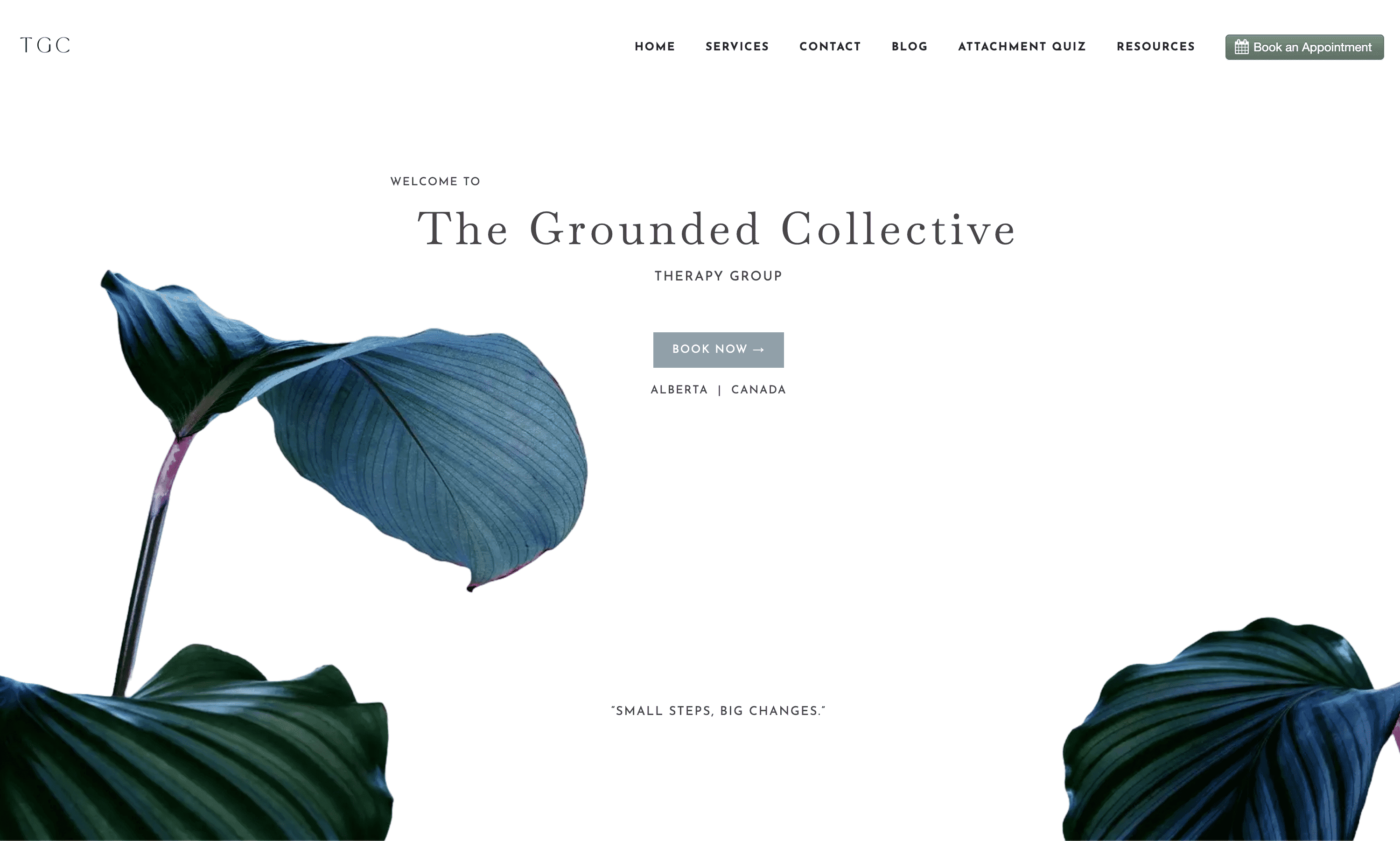
Website accuracy
Capture the structure clearly so the clone feels familiar right away.
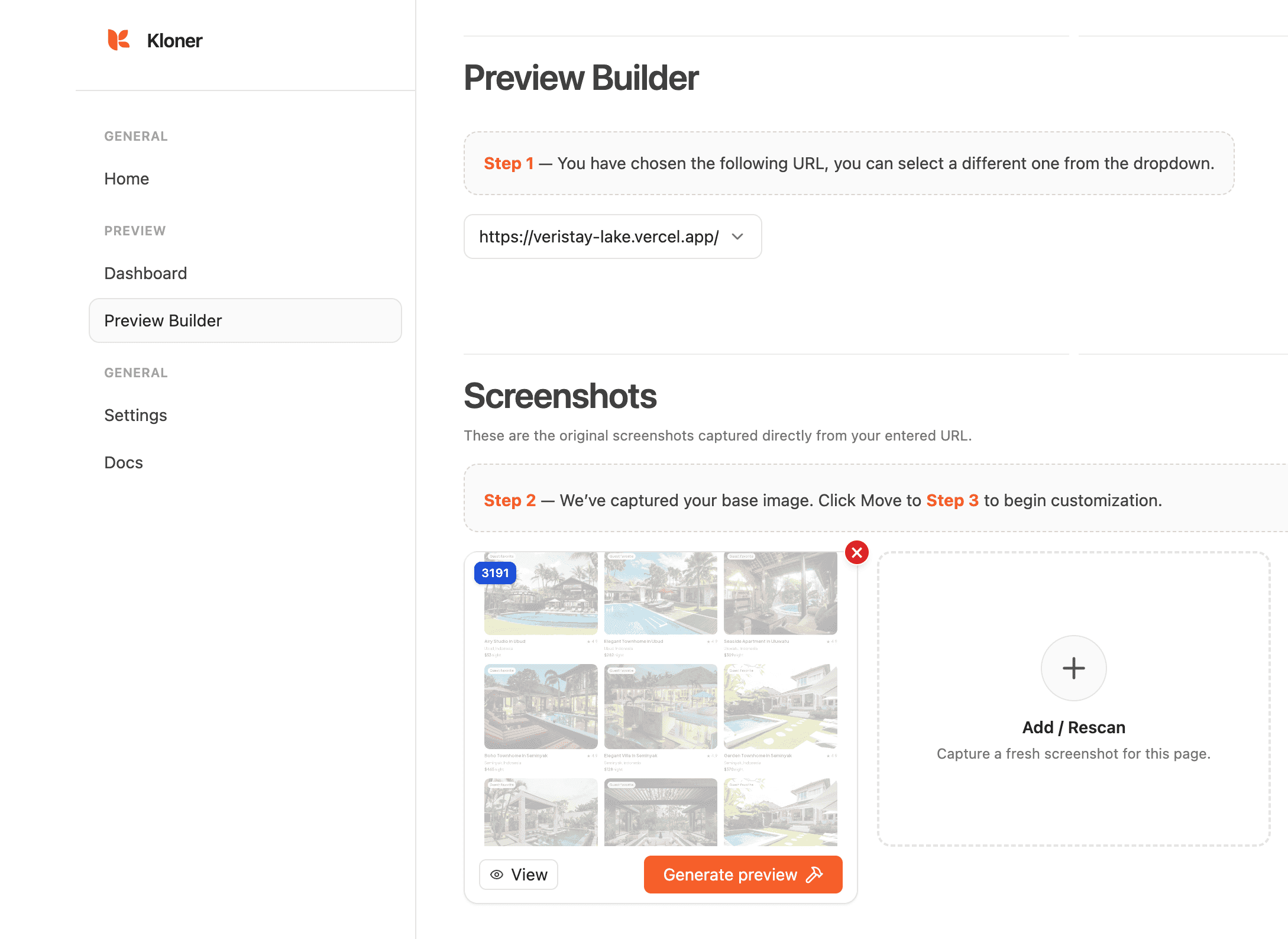
Editable previews
Rescan and refine until the copied layout feels right.
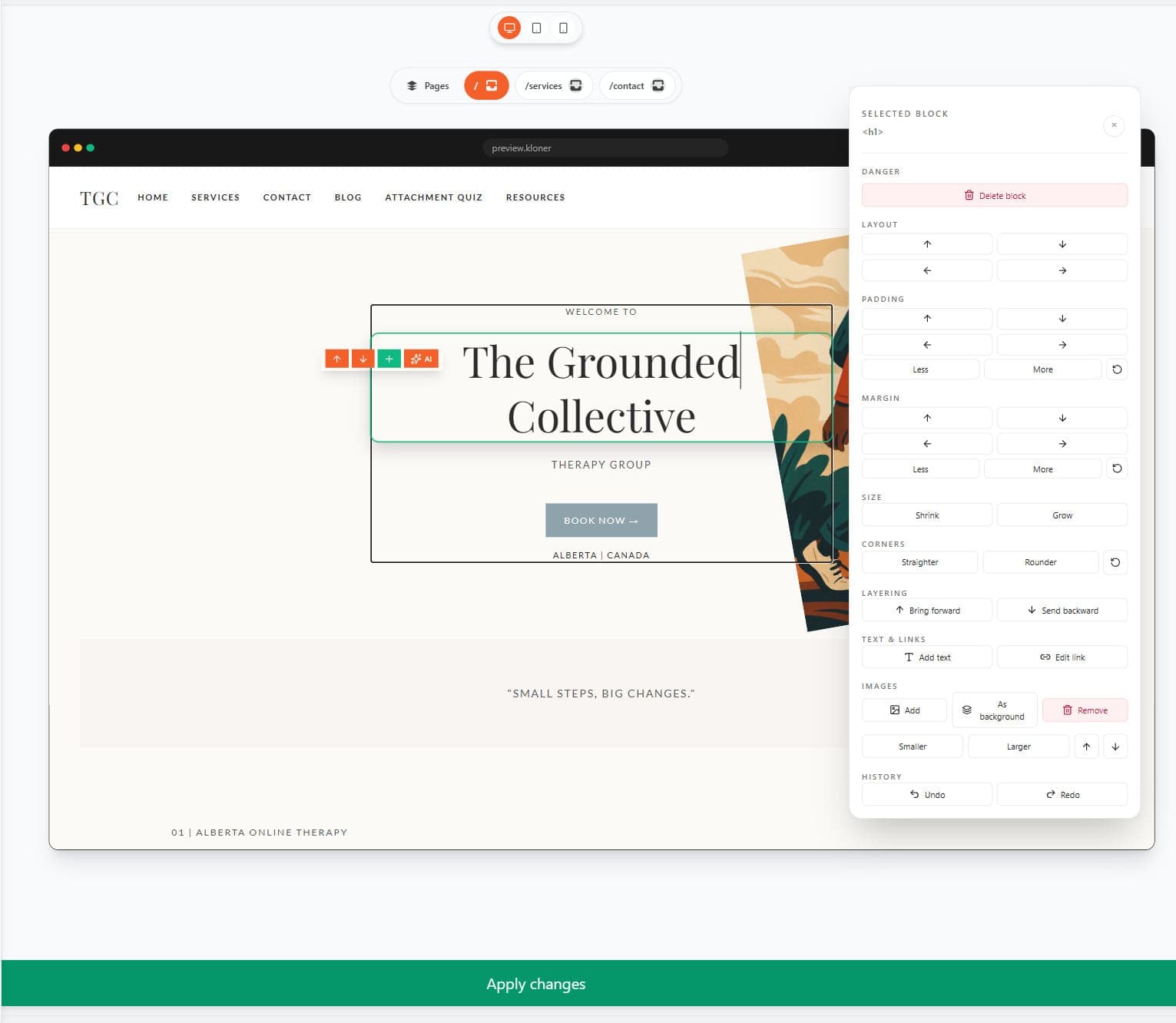
Full customization
Change text, visuals, blocks, and code until the site is yours.
Frequently Asked Questions
View documentationHow to clone a website
How to clone a website
- Yes. Paste a public URL and Kloner builds an editable website preview you can customize.
- A website cloner recreates a site’s supported structure, styling, assets, and interactions as an editable project. Kloner is designed to help you start from a public URL instead of a blank page.
- Paste a supported public URL into Kloner, review the generated preview, customize the editable project, and publish it when it is ready.
- Downloading or copying raw HTML gives you files from one page. Kloner turns a supported public page into a structured, editable project that you can refine and deploy.
- Yes. Cloning your own site is a useful way to create a redesign baseline, prototype a migration, or preserve a starting point for a new project.
- Change the copy, colors, images, sections, and domain so the final site matches your brand.
- Timing depends on the source site and the amount of content to process. Kloner shows the preview when it is ready.
- An editable project preview that you can review, customize, and prepare for publishing.
- Yes, you can deploy to Vercel and connect your own domain once the cloned version is ready.
- Review generated links and interactions in the preview. Forms, sign-in, payments, and other services may need configuration before publishing.
Pricing & access
Pricing & access
- You can start with limited free preview access for supported public websites. Editing and publishing require a paid plan or eligible trial.
- Kloner offers limited free preview access for supported public websites. Eligible new Pro customers can start a 7-day trial with a payment method; paid plans add higher usage limits and editing and publishing capabilities.
- You can use the available free preview credits to evaluate the cloning workflow for supported public websites. Your dashboard shows the limits that apply before you choose a paid plan.
- Paid plans add higher usage limits, AI editing, project export, and publishing integrations. See the pricing page for current plan details.
- Yes. Billing is month-to-month (or annually with savings). Cancel from your account dashboard and your plan ends at the current period.
- This feature is currently in development. Team support will allow you to share previews, export approvals, and environment-specific deploys. Contact us if you need SSO or custom limits.
Limits & compatibility
Limits & compatibility
- Very large or app-heavy sites may need targeted capture. Available preview and export limits depend on your plan and the source site.
- Mobile app generation is coming soon. Today, Kloner focuses on Next.js web experiences.
- Kloner can map supported pages and links into the generated project. Review the preview and adjust routes before publishing.
- Current generation is Next.js V2. Community templates are legacy V1 HTML templates, which are still usable but do not support the same integration and runtime functionality as V2 apps.
- Kloner may be used to clone a website only when you own it or have the necessary rights and permission to capture and use it. You are responsible for using Kloner lawfully and confirming that you are authorized to reproduce the source site’s content, code, branding, and assets before publishing.
- Only when you have permission and the rights needed for the content and design elements you use. A visual reference is not automatically permission to republish someone else’s site.
Start a limited free preview